DATE
For any piece of content, sort search results chronologically and replicate the keyword searches across platforms – Do you have the earliest instance of the video?
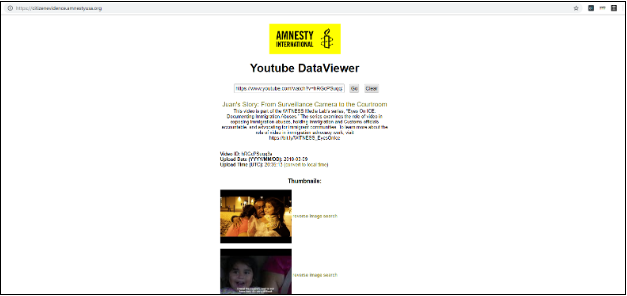
Use reverse image search on thumbnails, key frames, on-screen logos, etc. Look for earlier versions of the video, or old reports about a similar incident from which the video may be taken.
Do reverse image search or analyse image metadata with:
- Google Image Search – on the web or use Chrome extension
- RevEye – Chrome extension allowing cross-platform image searching
- TinEye
- Jeffrey’s Image Metadata Viewer
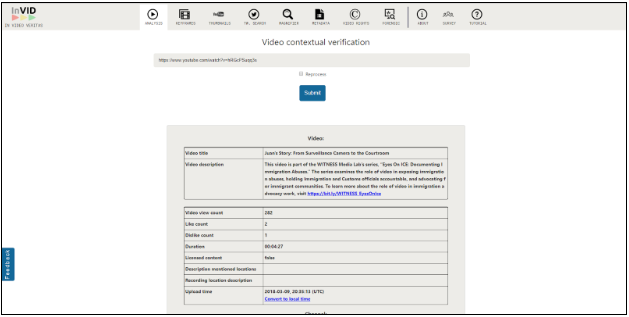
You can review metadata on a social video with: